Learn how to get the best results when using the Gear-O-Scope feature to detect and count gear teeth.
For best accuracy, use a high-resolution image that is well-focused. Blurry or low-resolution images may cause inaccurate counts.
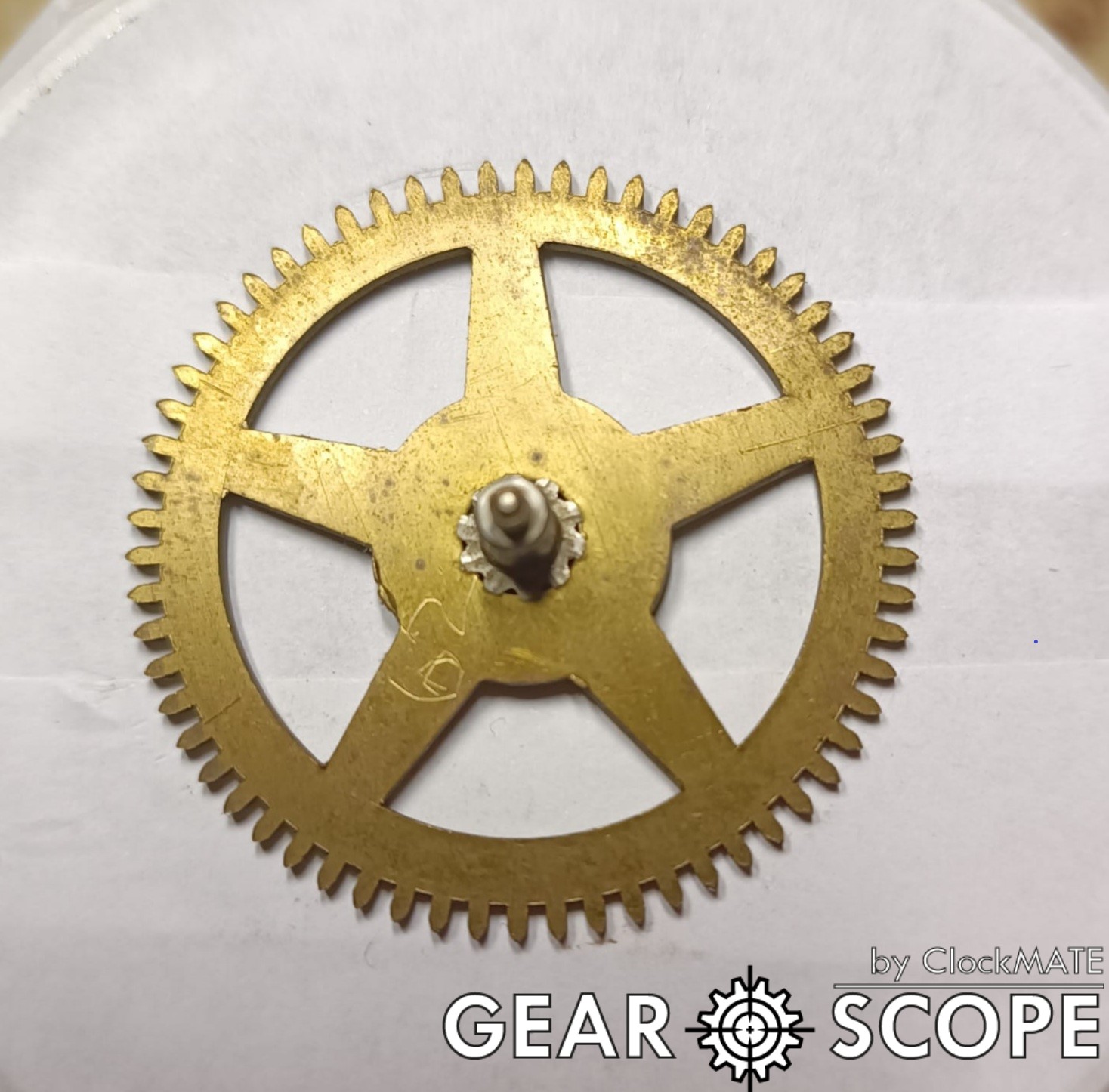
Use even, diffused lighting. Avoid harsh shadows and glare. Natural daylight (or diffused artificial light) works best. Try to minimize reflections.
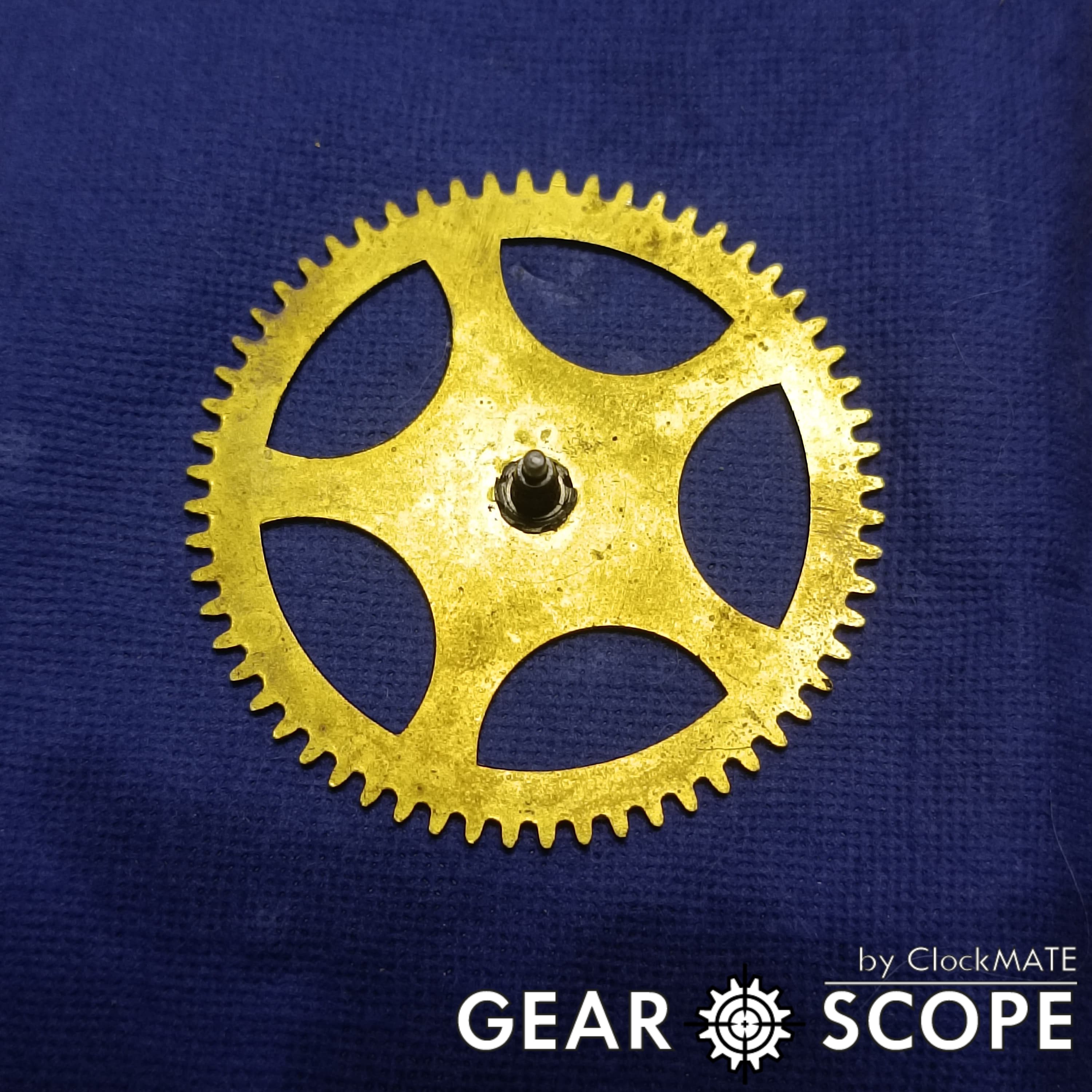
For gears with clear edges, use a uniform background with high contrast. For gears that are worn or rusted, a contrasting background helps differentiate the gear's edges from background noise.
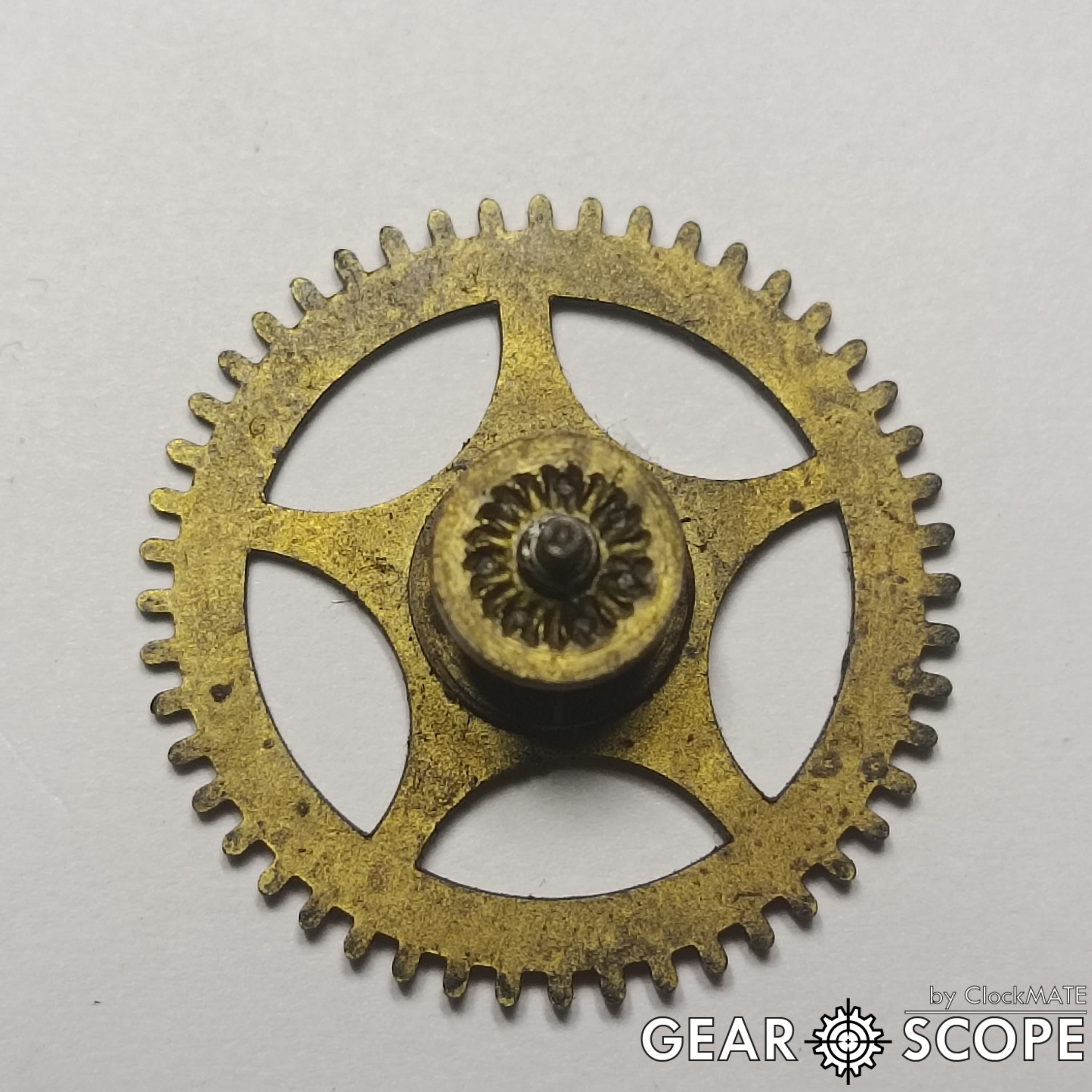
Ensure the gear is clean and free of debris. Remove any dirt or grease to allow clear edge detection. For gears with missing teeth, choose a background that minimizes interference.
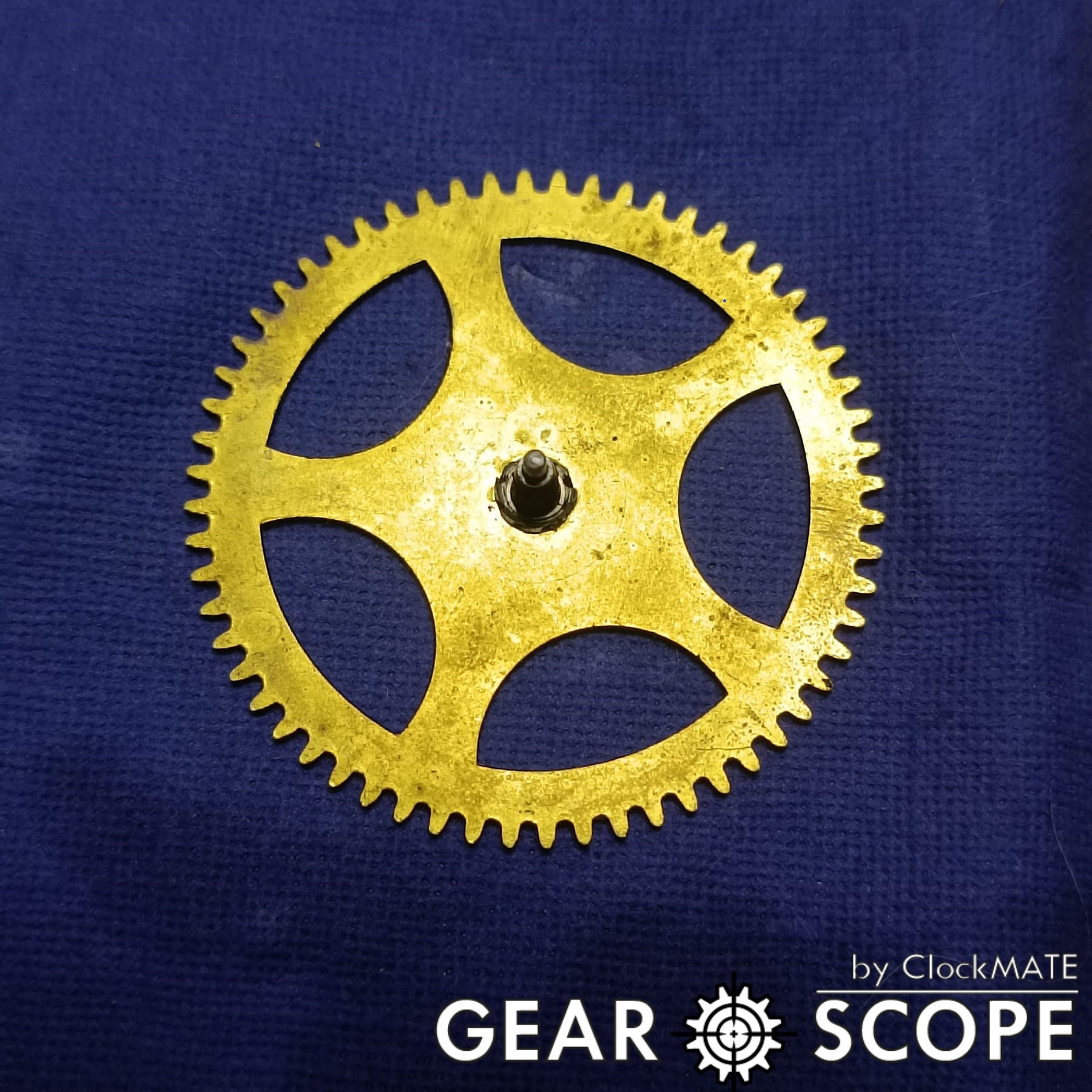
Ensure that the gear occupies 70–90% of the frame. Avoid over-zooming (which may crop the gear) and ensure that the shot is steady to prevent blur.
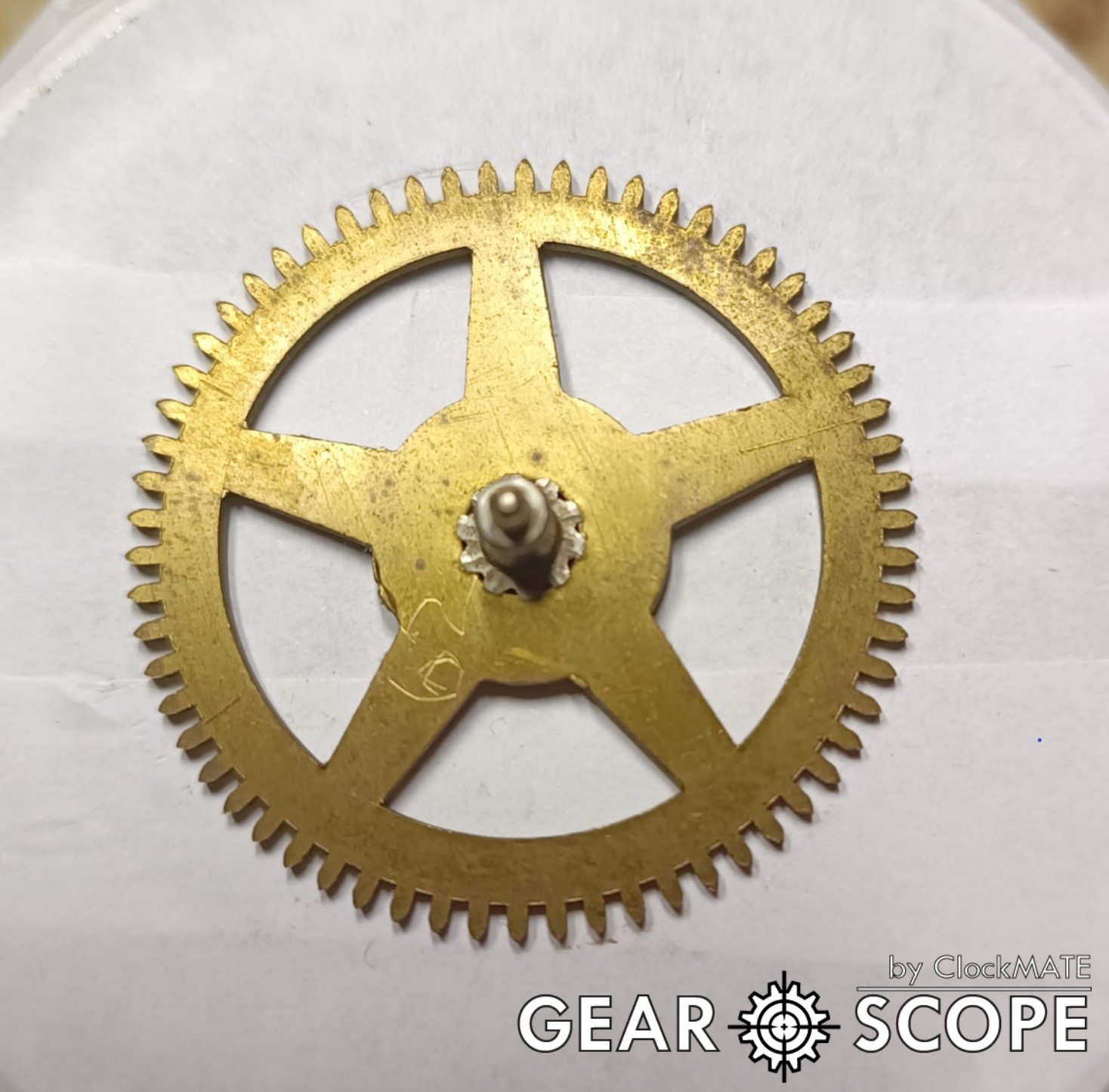
The guidelines above are provided as a starting point for achieving optimal results. Every environment and gear condition is unique, feel free to experiment with different backgrounds, lighting conditions, and zoom levels to find the setup that works best for you. These suggestions are flexible, and you are encouraged to adjust them based on your specific needs and creative insights.
If you're having trouble getting accurate results, try these troubleshooting steps:
Join our growing community of clockmakers who are discovering the power of ClockMate.

ClockMate is a set of tools for clockmakers that helps with counting the teeth on gears using image analysis, managing repair projects, and improving accuracy, making clock repairs easier and faster.
Copyright © 2025. ClockMate All Rights Reserved